axyra · Nov 11, 2026
When to Consider an Apache POI Alternative for Java
 Jean Yen
Marketing, Keikai.
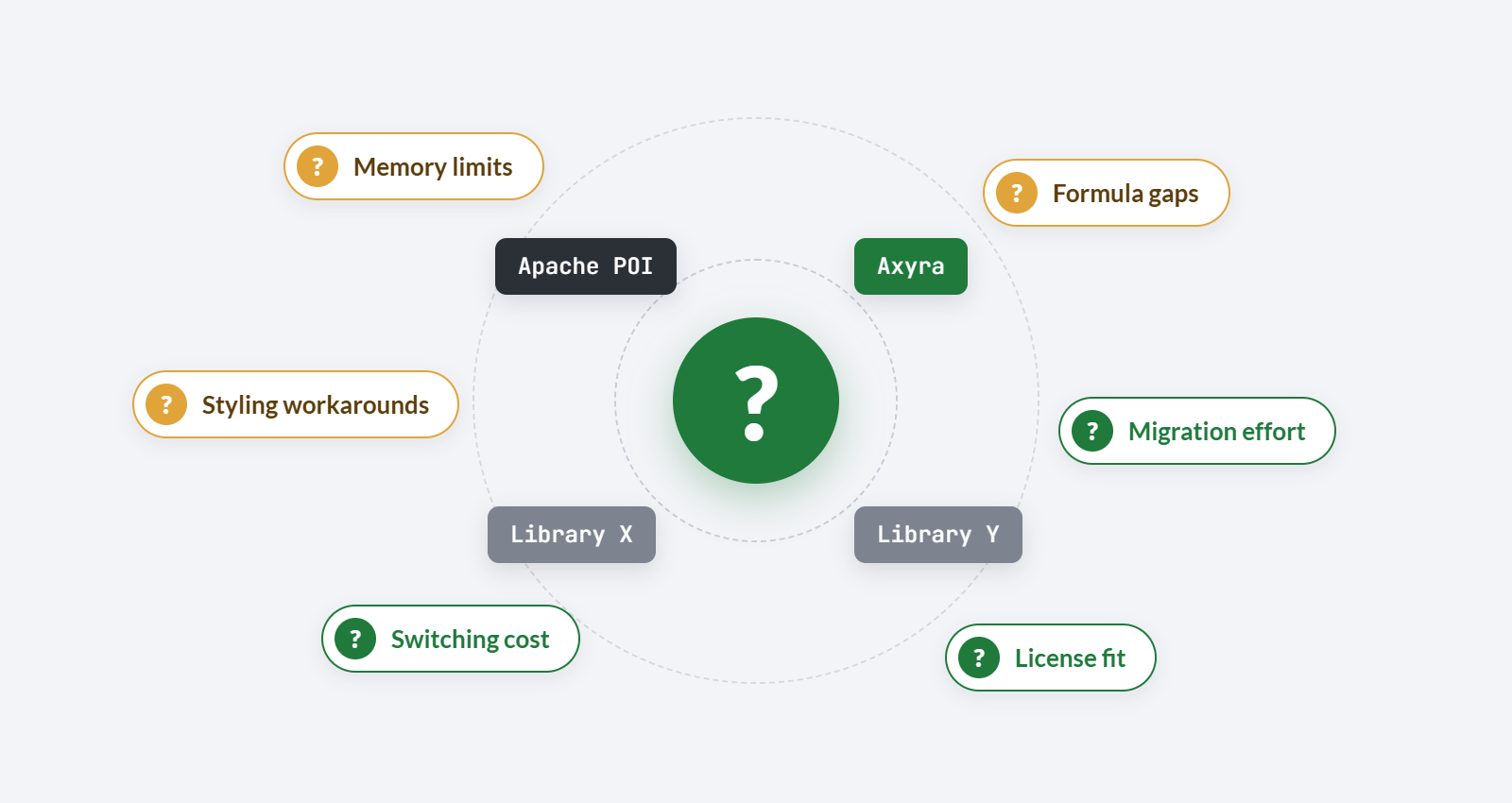
When to Consider an Apache POI Alternative for Java
TL;DR
Apache POI is free, mature, and well-documented, and it remains the right choice for plenty of Java projects. But once a project needs a commercial-grade calculation engine, PDF or image rendering, or better large-file performance, its limitations start to matter. This guide covers what Apache POI does well, where an Apache POI alternative is worth evaluating, and how Axyra, Aspose.Cells, and MESCIUS DsExcel compare.
Table of Contents
- What Is Apache POI Good At?
- When Is Apache POI Enough?
- What Apache POI Limitations Should You Evaluate?
- How Does Apache POI Performance Hold Up for Large Files?
- What Should You Look for in an Apache POI Alternative?
- What Are the Best Apache POI Alternatives for Java?
- How Do Apache POI, Axyra, and Aspose.Cells Compare?
- When Is Axyra a Suitable Apache POI Alternative?
- How Do You Migrate from Apache POI?
- Frequently Asked Questions
What Is Apache POI Good At?
Apache POI XLSX and XLS support covers the fundamentals well: reading and writing both formats, applying cell styles, and handling basic workbook, sheet, and cell manipulation. It's open source, free to use, and one of the most widely used Java libraries for spreadsheet processing, which means most of the problems you'll run into already have an answer somewhere in its documentation or community forums. For teams that need reliable Excel read/write access from Java, POI's maturity, open-source license, and large community make it a practical choice.
For the full API reference, see Apache POI's official documentation.
When Is Apache POI Enough?
Apache POI is a solid, sufficient choice for:
- Simple data import and export between a database and a spreadsheet.
- Generating basic spreadsheets with standard formatting.
- Reading workbook values for downstream processing.
- Projects where the team is comfortable implementing lower-level logic itself when POI's built-in support falls short.
- Projects that specifically require a free, open-source library, whether for budget or licensing reasons.
If your project fits one of these, an Apache POI alternative probably isn't worth the switching cost. The rest of this guide is for projects that have grown past this point.
What Apache POI Limitations Should You Evaluate?
POI's limitations affect different workloads in different ways, so they should be evaluated against the project's actual requirements:
- Full formula calculation: partially supported. POI can read and write formulas, but its calculation engine covers a narrower set of functions than commercial engines, particularly newer ones.
- Modern functions and dynamic arrays (XLOOKUP, LET, LAMBDA, spill behavior): partially supported at best, and often requires workarounds.
- High-fidelity PDF/image rendering: not supported. POI has no built-in way to export a workbook to PDF or an image; this requires an additional library.
- Advanced pivot/chart processing: partially supported. POI can create pivot table structures, but doesn't recalculate them at runtime, and chart support is narrower than commercial alternatives.
- Slicers and timelines: requires more implementation; support is limited.
- Goal Seek: not supported natively.
- Broader spreadsheet automation (templating, report generation, batch conversion pipelines): requires more implementation, typically by combining POI with other libraries or custom code.
Check these limitations against your project's requirements when deciding whether POI is sufficient.
How Does Apache POI Performance Hold Up for Large Files?
Apache POI performance depends heavily on which API you use and how the workbook is built, not just on file size alone.
The default, DOM-style API (XSSFWorkbook for XLSX, HSSFWorkbook for XLS) loads the entire workbook into memory as objects, which is straightforward to work with but becomes memory-intensive on large files, especially with heavy use of styles, since POI creates and stores a style object per unique combination rather than reusing them automatically. For large files, POI offers streaming and event-based alternatives: SXSSFWorkbook for writing (which keeps only a configurable window of rows in memory at a time) and the event-based SAX API for reading (which processes the file as a stream of events rather than loading it all into an object model).
Streaming and event-based APIs reduce memory use, but they give up the random access and convenience of the full object model, since you generally can't jump back and re-read or re-edit rows you've already streamed past. Whether performance is actually a problem for your project depends on your specific workload and how carefully the implementation manages memory, not on file size in isolation.
What Should You Look for in an Apache POI Alternative?
Whatever Java spreadsheet library you're evaluating as a replacement, test these criteria using your own workbooks and representative workloads:
- Required file formats (XLSX, XLS, ODS, and anything else your pipeline needs).
- Formula engine coverage, including modern functions and dynamic arrays.
- Chart and pivot table support, including whether pivots recalculate at runtime.
- Rendering quality for PDF or image export.
- Large-file support and memory behavior under real workloads.
- How much development effort the API requires for your specific use cases.
- Commercial support availability.
- Licensing and deployment rights, matched to how you actually ship software.
- Price.
What Are the Best Apache POI Alternatives for Java?
If you're evaluating a commercial alternative to Apache POI, these three Java spreadsheet APIs are worth considering:
- Axyra Sheets — a server-side spreadsheet API with modern formula calculation, charts and pivot tables, template processing, streaming support, and PDF/image rendering. The Axyra Agent Skill provides additional guidance for AI-assisted development.
- Aspose.Cells — an established spreadsheet API for reading, writing, calculating, and converting Excel files, with support for a wide range of formats and Excel features.
- MESCIUS DsExcel — a spreadsheet API for creating, calculating, and exporting workbooks, including template-driven reports and high-volume processing.
The following table compares Apache POI with Axyra Sheets and Aspose.Cells across key spreadsheet-processing requirements.
How Do Apache POI, Axyra, and Aspose.Cells Compare?
| Criteria | Apache POI | Axyra Sheets | Aspose.Cells |
|---|---|---|---|
| License | Open source | Commercial | Commercial |
| XLS/XLSX/ODS | Broad (XLS/XLSX; no ODS) | XLSX, XLS, and ODS | Extensive |
| Formula calculation | Partial | Extensive | Extensive |
| Modern formulas | Partial | Extensive | Extensive |
| Charts and pivots | Partial | Chart creation and pivot table calculation | Chart creation and pivot table calculation |
| PDF/image export | Not available | Strong | Strong |
| API level | Familiar workbook/sheet/cell model | Workbook/sheet/cell model | Workbook/sheet/cell model |
| Support | Community | Direct technical support included | Free forum support; paid priority support available |
| Best fit | Free, basic read/write | Spreadsheet calculation, reporting, and rendering with AI-assisted development and straightforward licensing | Spreadsheet processing and conversion across a wide range of formats |
When Is Axyra a Suitable Apache POI Alternative?
Axyra Sheets is worth evaluating when a project needs broader formula coverage, modern Excel functions, PDF and image rendering, or more complete chart and pivot processing than Apache POI provides natively. It combines these capabilities with template processing, streaming support, a familiar workbook–sheet–cell API model, and the Axyra Agent Skill for Java development.
Axyra also helps reduce development effort through the Axyra Agent Skill. It brings Axyra-specific guidance into compatible AI coding workflows. Developers can describe tasks such as populating an Excel template or rendering a workbook, and the skill helps the coding agent select the relevant APIs and generate Axyra-specific Java code. Axyra also offers straightforward licensing for internal applications, OEM, and SaaS deployments, with a low entry price.
Whether switching is worthwhile depends on your project's requirements and the development effort it would save.
See the full Axyra vs. Apache POI comparison for the complete feature-by-feature breakdown.
How Do You Migrate from Apache POI?
Moving from Apache POI is often manageable because the libraries share similar workbook, worksheet, row, cell, formula, and style concepts. However, formula behavior, rendering output, styles, and charts should still be verified against representative files:
- API mapping. Identify which POI calls your project uses, and use those calls to define the scope of the migration.
- Workbook model differences. Confirm how the new library represents workbooks, sheets, and cells, and where that model diverges from POI's.
- Formula behavior. Recalculate the same formulas in both libraries and compare results directly, especially for anything POI only partially supported.
- Styling. Cell styles, number formats, and conditional formatting don't always translate one-to-one; check your actual templates.
- Regression testing. Run your existing test suite against the new library's output, not just against the code compiling.
- Output comparison. Compare generated files (and rendered PDFs or images, if applicable) side by side with your current POI output before cutting over.
The Axyra Agent Skill can assist with API mapping and code generation during migration; take a look at how it works here. Note that the resulting workbooks, formulas, styles, charts, and rendered outputs should still be verified against representative files.
Frequently Asked Questions
What Is a Good Alternative to Apache POI?
Axyra Sheets, Aspose.Cells, and MESCIUS DsExcel are commercial alternatives for Java spreadsheet processing. Axyra combines modern formula calculation, charts and pivot tables, template processing, and PDF/image rendering with straightforward licensing and the Axyra Agent Skill. Compare each library against your required formats, workbook features, deployment model, and budget.
What Are the Main Apache POI Limitations?
The most common ones are incomplete coverage of modern formulas and dynamic arrays, no built-in PDF or image export, pivot tables that don't recalculate at runtime, and no support for features like Goal Seek. These limitations matter when your application requires calculation or automation beyond basic spreadsheet processing.
Does Apache POI Performance Get Worse with Large Files?
Not automatically. POI's default API loads the full workbook into memory, which can become a problem on large files, but its streaming (SXSSFWorkbook) and event-based (SAX) APIs are built specifically to handle large files with a much smaller memory footprint. Performance depends more on which API you use and how the implementation manages memory than on file size alone.
Is Axyra a Good Java Spreadsheet Library for Teams Leaving POI?
Yes. Axyra provides formula calculation, modern Excel functions, charts and pivot tables, template processing, streaming support, and PDF/image rendering in a server-side Java API. Its familiar workbook–sheet–cell model helps developers moving from POI, while the Axyra Agent Skill assists with API mapping and code generation. Straightforward licensing and a low entry price make it accessible to teams adopting a commercial spreadsheet library.